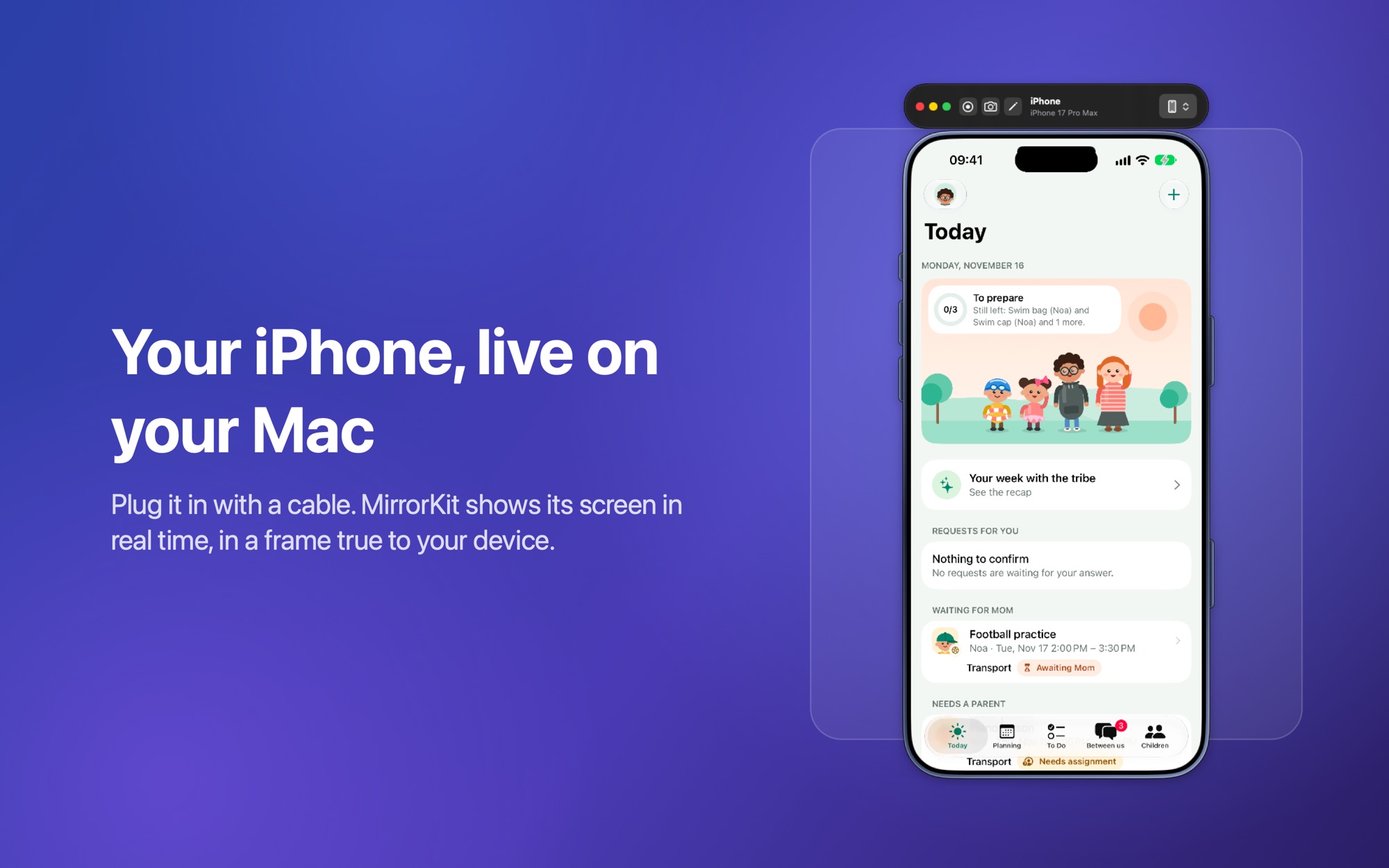
Demos, recordings, presentations, debugging — all in a single, beautiful native app.
⚡
Zero latency
USB connection means real-time mirroring with sub-frame latency. No more laggy AirPlay.
🔌
Connects in two seconds
Plug in your iPhone and its screen appears in about two seconds — even if MirrorKit has been waiting for a while.
📱
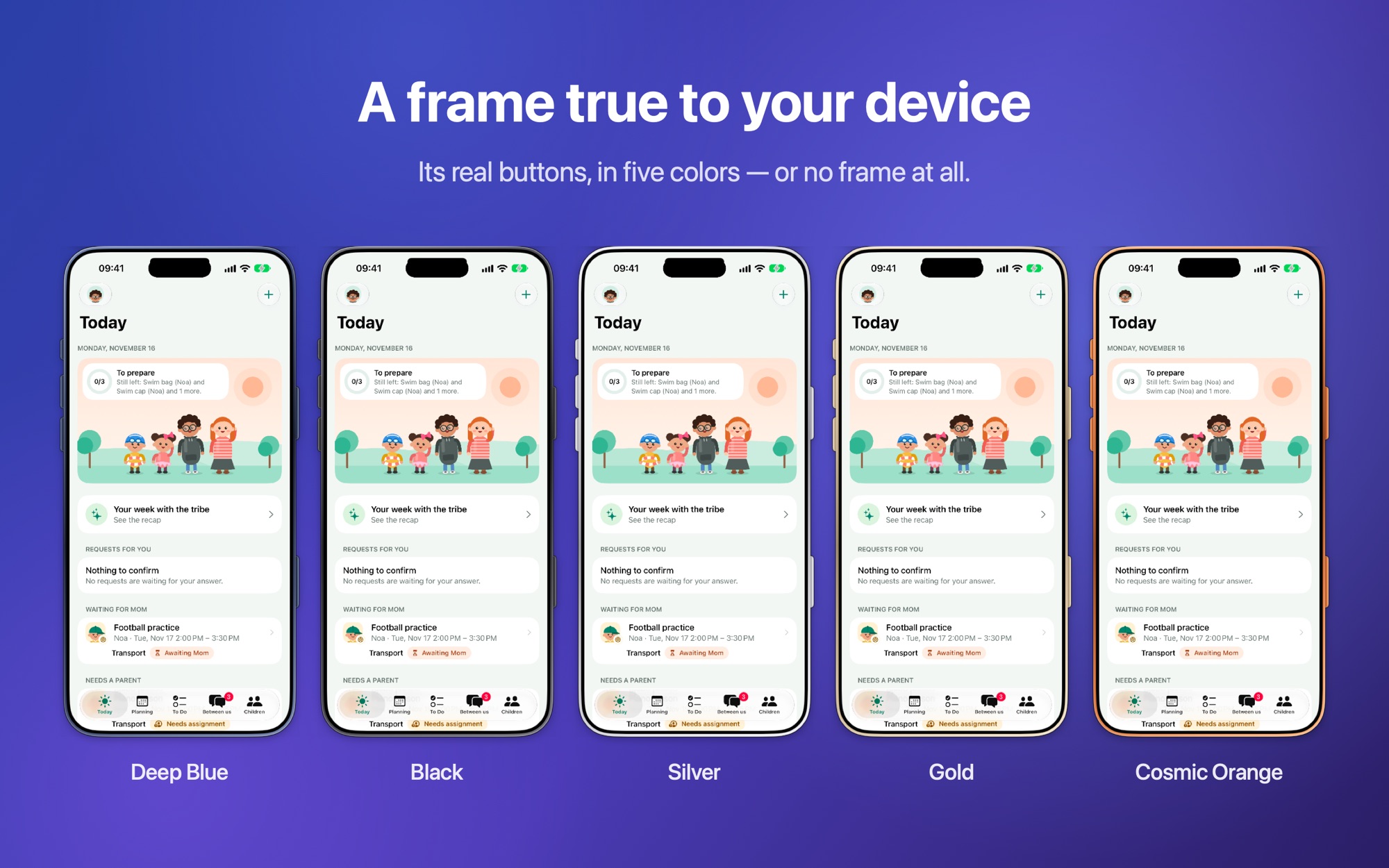
A frame true to your device
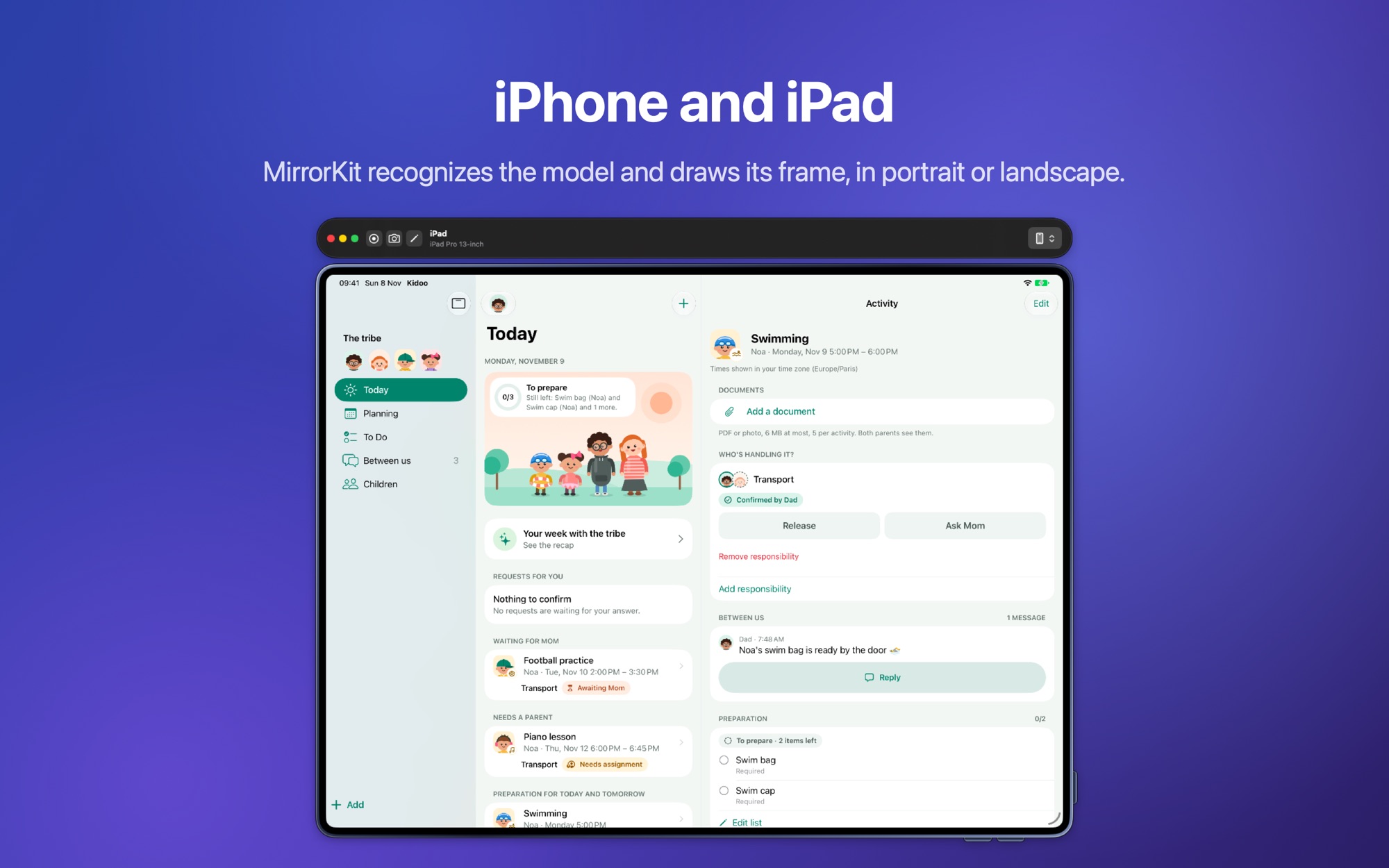
MirrorKit recognizes your iPhone or iPad model and draws its frame: metal rim, Dynamic Island and the real side buttons. Five colors — Deep Blue, Black, Silver, Gold, Cosmic Orange.
🎥
Screen recording
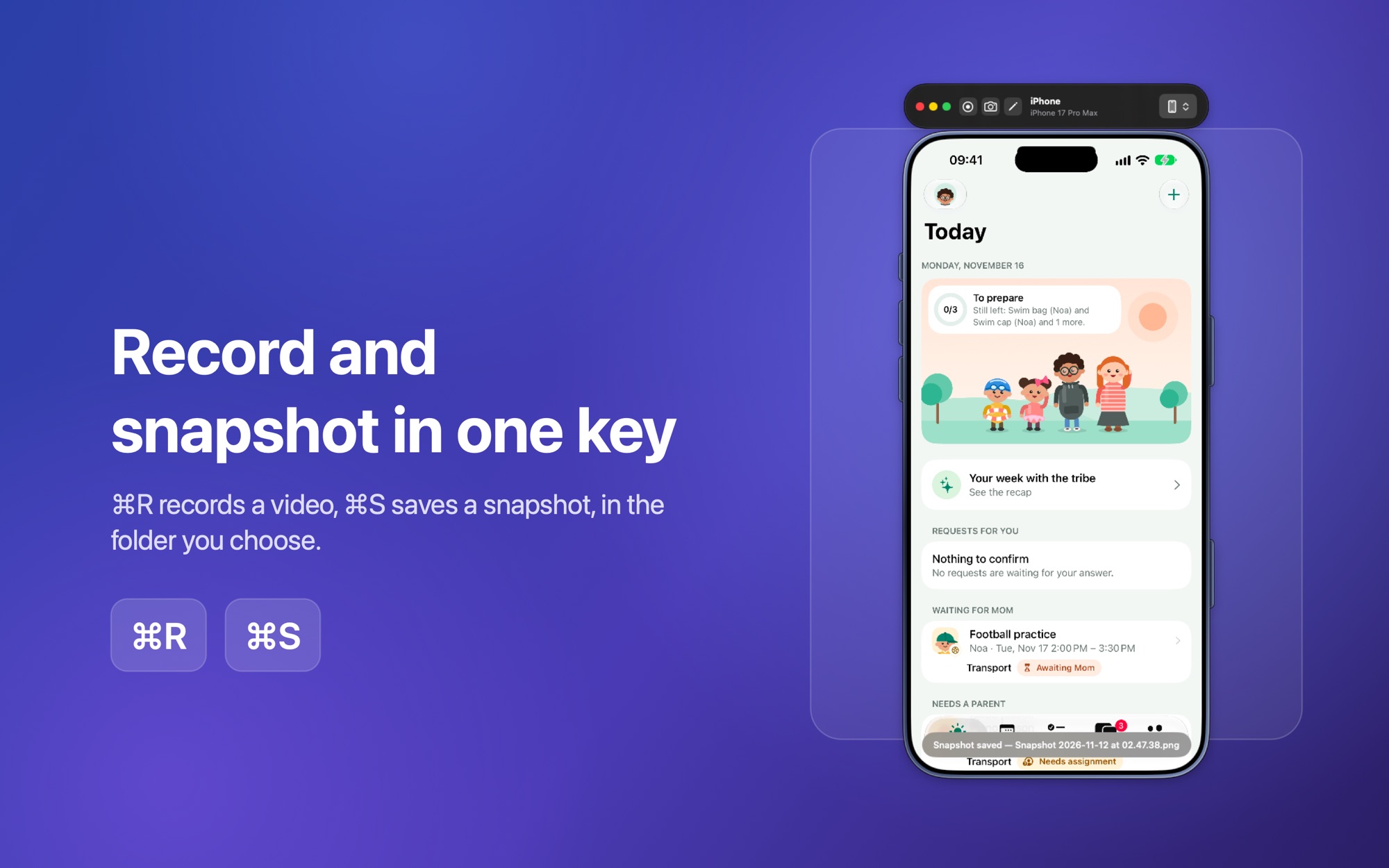
Record the mirrored stream straight to a .mov file in your chosen folder. Native H.264.
📸
Instant snapshots
Capture the current frame as a PNG with one click or ⌘S. Annotations are baked right into the export.
🔄
Live rotation
Portrait or landscape: rotate with ⌘← / ⌘→, and resize the window from the device's edges and corners.
🔍
Pinch to zoom
Zoom in up to 4× with a pinch, drag to pan around pixel-perfect details, ⌘0 to reset.
✏️
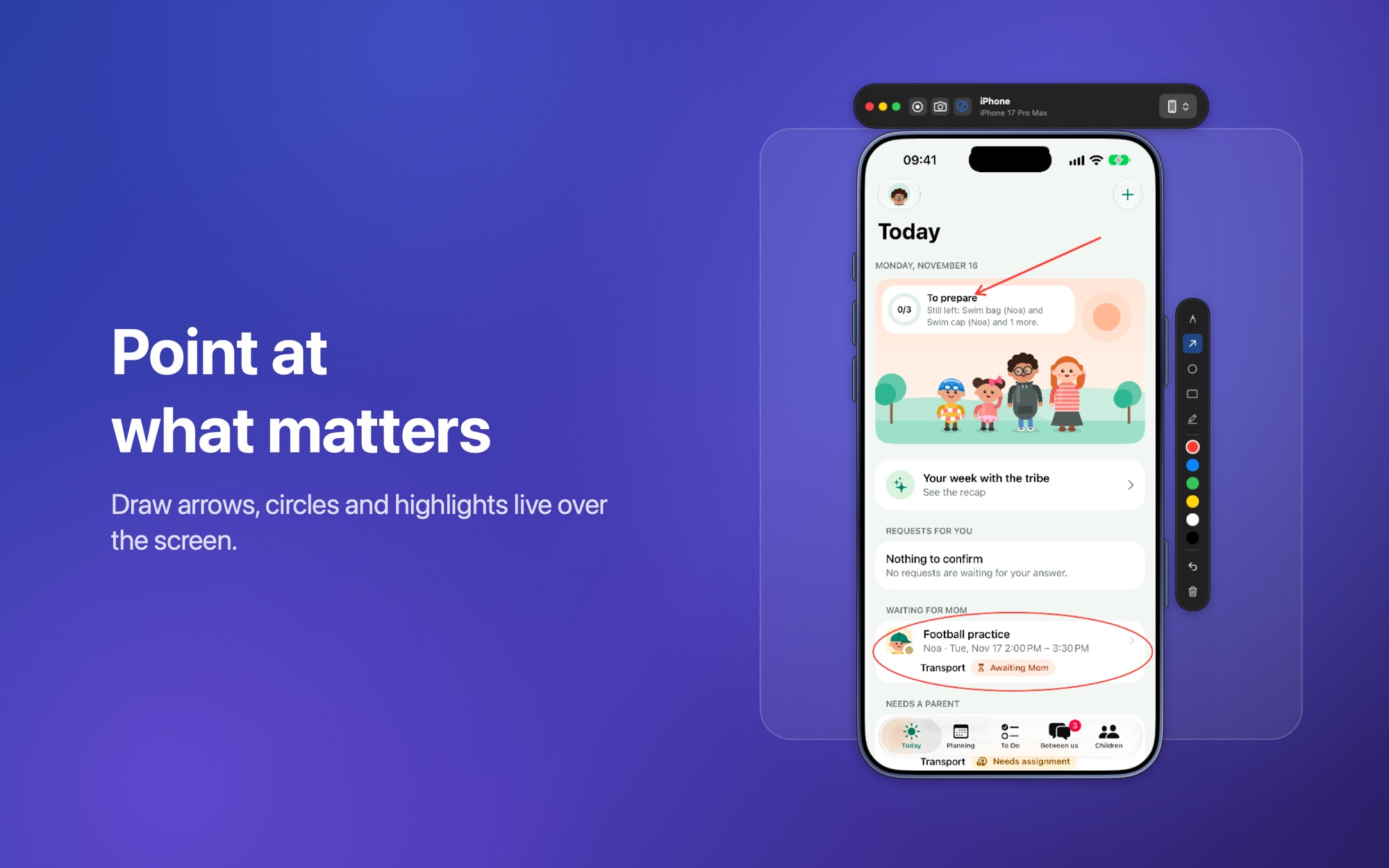
Annotation tools
Draw, highlight, and add arrows directly on the mirrored screen. Undo with ⌘Z, toggle with A.
🎨
Custom backgrounds
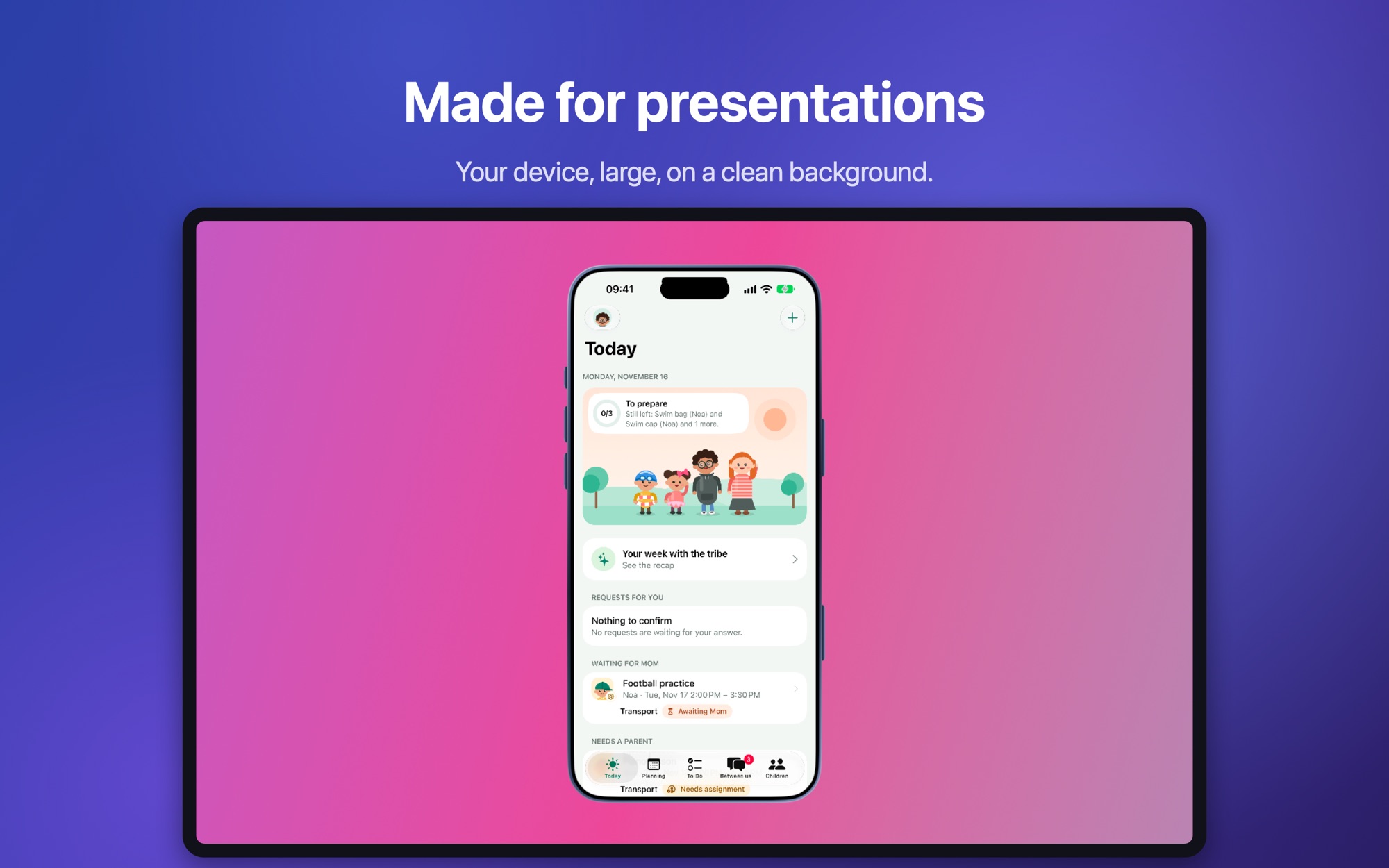
Choose from 7 built-in gradients or pick your own color. Make your demos and screenshots look stunning.
🔐
iPhone Locked, not frozen
When your device's screen turns off, MirrorKit says so. If an iPhone refuses to stream, it tells you exactly what to check.
🖥️
Fullscreen mode
One click to expand into a stunning gradient background. Perfect for presentations.
📌
Always on top
Pin MirrorKit above every other window so your device stays visible while you work.
⌨️
Keyboard first
Every action has a shortcut — record, snapshot, rotate, toggle frame, zoom. Open the Capture menu to discover them.
🔒
Privacy first
Your screen never leaves your Mac. No account, no ads, no tracking — only anonymous usage statistics, which you can turn off in Settings.
🪶
Lightweight
Native Swift, SwiftUI and AppKit. Under 5 MB. Instant launch. Low CPU and battery usage. In English and French.
🧩
Multi-device picker
Plug in several iPhones or iPads and switch between them from the floating toolbar in one click.